
Stick Drift: Why Controllers Fail and What Fixes It
Stick drift comes from worn potentiometers inside analog sticks. Learn how Hall effect and TMR sticks fix it, how to test a pad, and what a fix really costs.
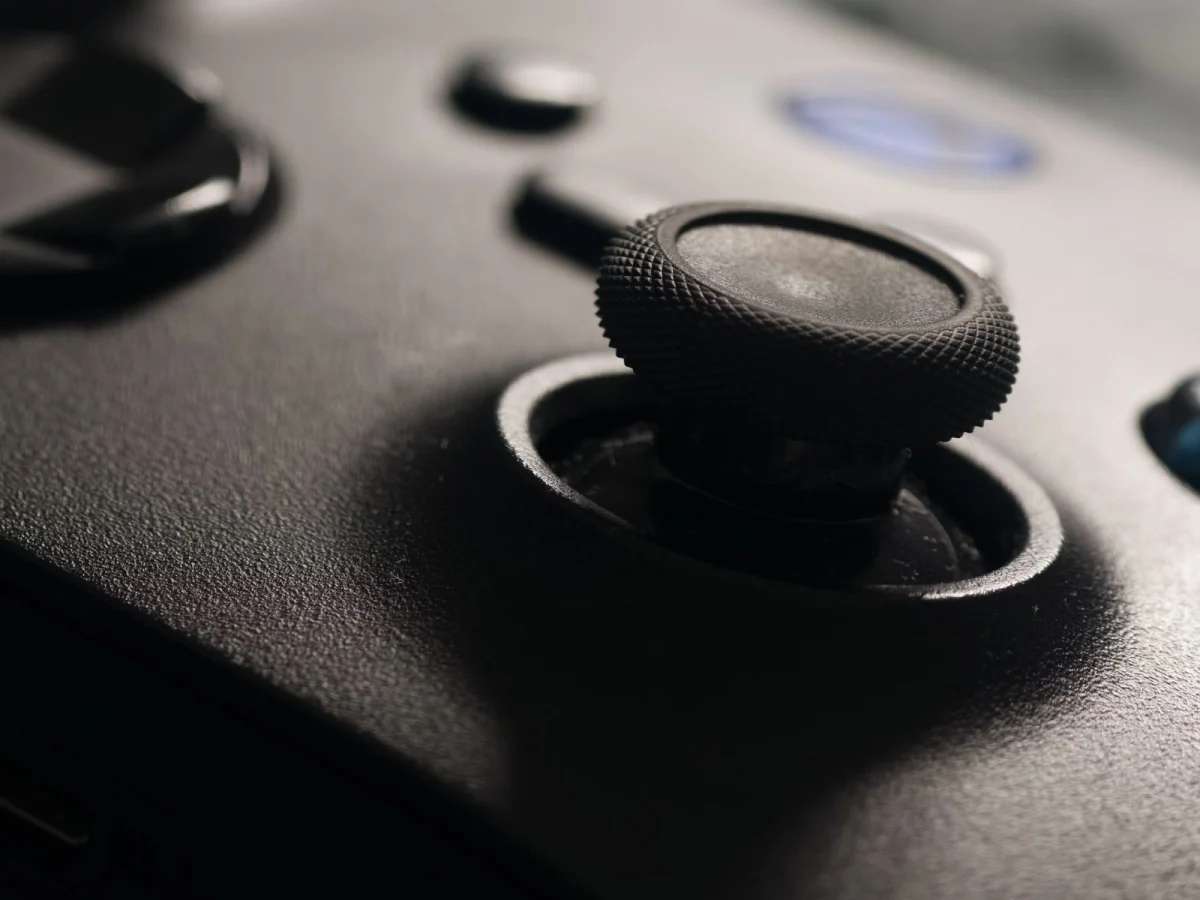
Table of contents
You set your controller down on the couch, and on screen your character slowly walks into a wall on their own. Or the camera creeps left while you are trying to line up a shot. You did not touch anything. That is stick drift, and if you are about to buy a controller as a gift, it is the one fault worth understanding before you pay.
Drift is not bad luck. It comes from how most analog sticks are built, which means it is predictable, and partly avoidable. A new class of controllers uses magnets instead of rubbing parts, and some now cost less than a first-party pad. Here is why sticks drift, what actually fixes it, and how to choose a controller that should last.
What Causes Stick Drift
Inside a traditional analog stick sit two potentiometers, one for each axis. Each has a resistive track and a small metal wiper that slides along it as you move the stick. The position of the wiper sets a voltage, and the console turns that voltage into movement.
The repair site iFixit explains the problem in plain terms: friction wears the resistive pad over time, which changes the resistance at the neutral position. The controller then reads a voltage that looks like a slight push, even when your thumb is off the stick. That phantom input is drift.
Dust and springs make it worse
Wear is the root cause, but it is rarely the only one. Dust and skin oils get into the stick housing and disturb the contact between wiper and track. Weak or uneven centering springs can stop the stick from settling at true center, which looks like drift even on a healthy sensor.
This is why drift often appears first on the stick you use most. In many games the left stick handles movement, so it racks up far more travel than anything else on the controller.
How Hall Effect and TMR Sticks Fix It
The fix is to stop rubbing parts together. A Hall effect stick puts a small magnet on the moving part and a sensor that measures the magnetic field nearby. As you move the stick, the field changes, and the sensor reads the position without touching anything. iFixit describes it as a contactless alternative and says a Hall effect stick "could hypothetically last the entire lifetime of the controller."
TMR, short for tunneling magnetoresistance, is a newer magnetic sensor that works on the same contactless idea. Controller makers such as 8BitDo and GuliKit now advertise TMR sticks as their premium option, often paired with Hall effect triggers.
What magnets do not fix
Contactless sensing removes the main wear point, not every problem. The stick still uses springs and a gimbal, and centering still depends on those parts. A worn spring or a cracked gimbal can still cause odd behavior. Think of Hall effect and TMR as removing the most common failure, not as a lifetime guarantee.
Which Controllers Use Contactless Sticks
Third-party brands moved first, and prices have dropped fast. A few current examples, with prices as reported by Notebookcheck:
- 8BitDo Ultimate 3C+: $39.99, with TMR sticks and switchable Hall effect triggers. It connects to Windows and Android.
- 8BitDo Ultimate 3 for Xbox: $99, an officially licensed Xbox controller.
- 8BitDo Ultimate 3E for Xbox: $149.99, a modular model aimed at competitive play.
- GuliKit TT Pro: $59.99, with tension-adjustable TMR sticks.
First-party controllers are a different story. Nintendo of America's Nate Bihldorff told Nintendo Life that the Switch 2 Joy-Con are "not Hall effect sticks, but they feel really good," Engadget reported. If you want contactless sticks on a Nintendo console, that means a licensed or compatible third-party pad, not the controllers in the box.
Always check platform support before you buy. A controller that works on PC and Android may not connect to a PlayStation or Switch at all, and Xbox support usually requires an officially licensed model.
A Worked Example: The Real Cost of Drift
Drift turns a controller into a recurring cost. Here is a simple scenario to compare. The TMR prices are real list prices; the $70 pad and all the lifespans are assumptions you should adjust for how hard you play.
- Option A: a $70 controller with potentiometer sticks that drifts after 18 months. Over six years you buy four of them. That is $280, or about $47 a year.
- Option B: the $39.99 TMR controller, assuming it lasts three years. Over six years you buy two. That is about $80, or roughly $13 a year.
- Option C: the $99 licensed TMR controller for Xbox, assuming it lasts all six years. That is $99, or $16.50 a year.
Even if the TMR pad only lasts as long as the potentiometer pad, Option B costs less per year because the sticker price is lower. If it lasts longer, the gap grows. The cheapest controller over time is usually the one that does not drift, not the one with the lowest price tag.
Shopping during the holiday sales? The same logic applies to bundles that throw in a controller. Our guide to console bundle deals shows how to price each item separately before you decide a bundle saves money, and the same checks from our guide on how to spot a real Steam discount work for controller deals too.
How to Test a Controller for Drift
You can check for drift in a couple of minutes, which is worth doing before a return window closes:
- Use the console's built-in calibration screen. On a Nintendo Switch, Settings includes a control stick calibration tool that shows the stick's resting position as a dot. If the dot sits off center or wanders with your thumbs off, that is drift.
- On Windows, open the game controller settings. The built-in controller properties panel shows a crosshair for each stick. Let go and watch whether it settles at center.
- Test in a game with fine aim. A first-person game with low aim assist makes slow camera creep obvious within seconds.
- Try it after the controller warms up. Some drift appears only after 20 or 30 minutes of play.
Fixes That Work, and Fixes That Only Hide It
Not every fix is equal. Some deal with the cause; others mask the symptom for a while.
Quick fixes that hide drift
- Recalibrate the stick. This resets what the console treats as center and can clear mild drift.
- Raise the deadzone. Many PC games and launchers let you ignore small stick movements. That hides drift, but it also makes fine aiming less precise.
- Clean around the stick. A few short bursts of compressed air around the base can clear dust. It helps when dirt is the cause, not wear.
Real fixes
- Use the warranty first. Drift in a new controller is a defect. Contact the maker or the store before you open anything.
- Replace the stick module. Repair shops and kits can swap in a new stick, including Hall effect replacements for some controllers. It takes soldering on many models.
- Buy a contactless controller. For most people, this is the simplest long-term answer.
Handheld PCs face the same issue, since their sticks are built in. If you are weighing a handheld, check stick type alongside performance, and see our guide to checking Steam Deck framerate data before you buy for the performance side.
Frequently Asked Questions
What causes stick drift on controllers?
Most drift comes from potentiometer sticks, where a metal wiper rubs a resistive track. Over time the wear changes the reading at the center position, so the controller reports movement you did not make. Dust and weak springs can add to it.
Do Hall effect controllers get stick drift?
They avoid the main cause, because the sensor never touches the moving part. They can still have centering issues from worn springs or damaged parts, but sensor wear drift is largely removed.
Is TMR better than Hall effect?
Both are contactless magnetic sensors, so both avoid wear drift. Makers market TMR as the more precise option, but you should judge a controller by reviews of its stick feel, build and platform support rather than the sensor label alone.
Can you fix stick drift without replacing the controller?
Sometimes. Recalibrating, cleaning and raising the deadzone can hide mild drift. If the potentiometer is worn, the only lasting fixes are a warranty replacement, a new stick module, or a new controller.
Bottom Line on Stick Drift
Stick drift is a wear problem built into potentiometer sticks, not a random defect. Magnets fix the main cause, and contactless controllers now start around $40, which makes them the easy default for a new purchase.
Before you buy, check three things: stick type, platform support, and return window. Then test the controller in the first week. A few minutes on a calibration screen can save you from buying the same controller three more times.
Written by
Eli Turner
Culture & Play
Covers entertainment, gaming, and sport for Quick Trend Insights, tracking how streaming economics and platform decisions reach the audience.
Related Articles
View all
Transfer Games to a New Console Without Losing Saves
Transfer games to a new console without losing saves. Step-by-step for PS5, Switch 2 and Xbox, the save rule that catches people out, and how long it takes.

In-Game Currency: Why You Always Have Coins Left Over
In-game currency packs rarely match item prices, so you keep paying for leftovers. See the real cost per V-Buck after Epic's cut and how to stop overspending.

Frame Generation: Why 240 FPS Can Still Feel Like 60
Frame generation can turn 60 fps into 240 on screen, but your controls still respond at 60. See how it works, the base frame rate to aim for and when to use it.