
SIM Swap Protection: The New Rules Carriers Must Follow
SIM swap protection gets federal teeth in December. See what carriers must now do, how a free account lock stops an attack, and the steps to take today.
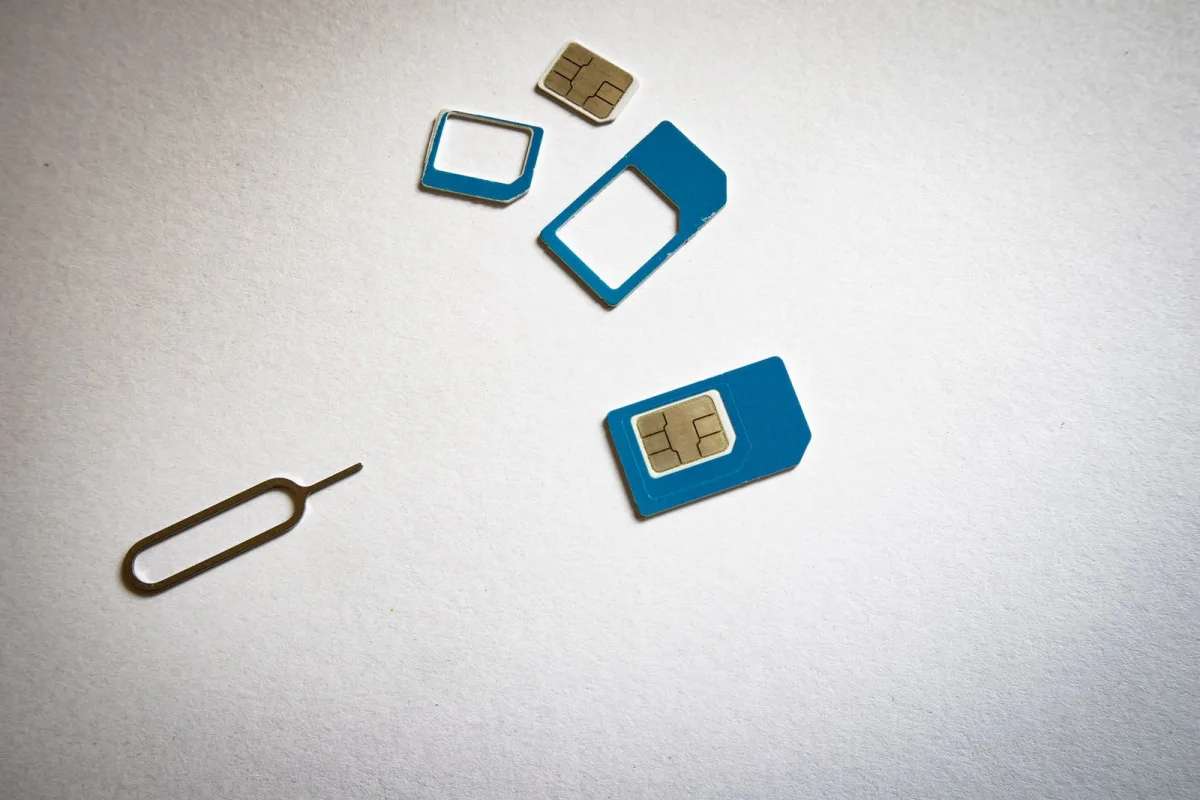
Table of contents
Your phone drops to "SOS only" while you are sitting on your couch with full Wi-Fi. You restart it. Still nothing. Twenty minutes later your bank app logs you out, and your email password no longer works. Somewhere, a stranger is reading the verification codes that were supposed to reach you.
That is a SIM swap, and the protection against it is about to get much stronger. Starting in mid-December, US wireless carriers must follow federal SIM swap protection rules that have been stuck in limbo for three years. This guide explains what changes, what carriers now owe you, and the five-minute steps you should take today rather than waiting for the deadline.
How a SIM Swap Works
Your phone number lives on a SIM, either a physical card or an eSIM. Whoever controls the SIM tied to your number receives your calls and texts.
In a SIM swap, a criminal convinces your carrier to move your number onto a SIM they control. They call customer service pretending to be you, or walk into a store with a fake ID, or bribe an employee. A port-out fraud is the cousin of this attack: the criminal moves your number to a different carrier entirely.
Either way, the payoff is the same. Many banks, email providers and crypto exchanges still send login codes by text. Once your number is on the attacker's phone, they can reset your passwords and walk into those accounts while your own phone sits there with no signal.
The weak point is not you. You can have strong passwords and careful habits and still be hit, because the attack targets your carrier's verification process.
What the New FCC SIM Swap Protection Rules Require
The Federal Communications Commission adopted these rules three years ago, but parts could not take effect until the Office of Management and Budget approved their record-keeping requirements. That approval came through, and the FCC's Wireline Competition Bureau published two notices in the Federal Register in mid-November. Each set a compliance date 30 days later: December 17 for SIM changes and December 18 for number ports.
Here is what the rule text says carriers must do.
- Verify you properly. Carriers must use secure methods to confirm your identity before a SIM change. Those methods cannot rely on readily available biographical details, account information, recent payment information or call records. In practice, knowing your birthday and the last four digits of your Social Security number should no longer be enough.
- Tell you first. When a SIM change or port-out request comes in, the carrier must send you an immediate notice before carrying it out.
- Offer a free lock. Carriers must let you lock your account so no one can change your SIM or move your number until you switch the lock off. The process cannot be so burdensome that it discourages you from using it.
- Handle failed attempts. Carriers need procedures for repeated failed authentication attempts on SIM change requests.
- Fix fraud at no cost. If a fraudulent swap or port happens, the carrier must give you an easy way to report it, investigate promptly, and hand you documentation on request.
- Train staff. Employees must be trained to spot fraudulent SIM change requests and route victims to specialists.
The rules cover resellers of wireless service too, so prepaid brands that run on the big networks are included. Carriers may also switch on a lock themselves if they believe you are at high risk, as long as they tell you and explain how to turn it off.
How Big the Problem Is (and Why It Still Matters)
SIM swapping is not the most common cybercrime, but each hit can be expensive. The FBI's Internet Crime Complaint Center, in its annual report released in April, counted 971 SIM swap complaints with $17,366,758 in reported losses.
The trend in that report is encouraging. Complaints fell from 1,075 two years earlier to 982 and then 971. Losses dropped faster, from about $48.8 million to about $26 million to about $17.4 million. Carriers began rolling out voluntary locks during that stretch, which likely helped.
Those totals still hide what one case can cost. Divide $17,366,758 by 971 and the average reported loss is about $17,900 per complaint. Two years earlier, the same math gave roughly $45,400. Many victims never report at all, so the real numbers are higher.
A Worked Example: What a Lock Would Have Stopped
Picture a victim on a Saturday morning. Here is how a typical attack unfolds, and where each new protection steps in.
- 8:05 a.m. The attacker calls the carrier, gives your name, address and date of birth from an old data breach, and asks to move your number to a new eSIM. Under the new rules, that information alone should not pass verification.
- 8:12 a.m. The rep approves the change anyway. Under the new rules, you get an immediate notice before it takes effect, giving you a chance to call and stop it.
- 8:15 a.m. Your phone loses service. The attacker requests a password reset on your email and receives the code.
- 8:30 a.m. They use your email to reset your bank and brokerage logins and start moving money.
Now add one step: your account lock was on. At 8:12 the rep cannot process the change, because the rules say the carrier must not fulfill the request until you deactivate the lock yourself. The attack stops before your phone ever goes dark.
If a breach notice has already told you your personal details are out there, our guide on what to do based on what leaked explains which data puts you at higher risk of exactly this attack.
Turn On Your Carrier's Lock Today
You do not need to wait for December. The three big US carriers already offer free locks, and setup takes about a minute in their apps.
- AT&T: Wireless Account Lock, in the myAT&T app. MacRumors reported that it blocks SIM and eSIM changes and number transfers, and that AT&T says it will never call or text asking you to turn it off.
- Verizon: two settings in My Verizon. Verizon says Number Lock blocks moving your number to another carrier, and SIM Protection blocks moving it to another device.
- T-Mobile: look in its app's account or line settings for SIM change protection and a separate number transfer (port-out) protection. Techlicious reports that the two are separate settings, so turn on both.
If you use a prepaid or reseller brand, check its app or website for an account protection page. The new rules require every carrier to publish its protection measures in plain language on its site and app.
Switch the lock off before you change phones. A lock blocks you too. If you plan to upgrade your phone or move to a new carrier, turn the lock off first, then switch it back on afterward. A SIM lock guards your number, not the phone itself; for attacks that target the handset, our guide to staying safe from the DarkSword iPhone hack covers the device side.
Three More Layers Worth Adding
- Set a carrier PIN. Every major carrier lets you add an account PIN or passcode required for changes. Use one you do not use anywhere else.
- Move off text-message codes. Switch your email, bank and investment accounts to an authenticator app or a passkey where offered. Codes that live on your device cannot be intercepted by stealing your number. Our guide to how passkeys are replacing passwords walks through the switch.
- Protect your email first. Your email account resets everything else, so give it the strongest protection you have.
What to Do If You Lose Service Suddenly
If your phone shows no service where it normally works and a restart does not fix it, treat it as a possible SIM swap.
- Call your carrier immediately from another phone or use its website on Wi-Fi.
- Ask whether a SIM change or port-out happened and have it reversed.
- Ask for documentation of the fraudulent change, which carriers must provide on request under the new rules.
- Change your email password first, then your bank and other financial accounts.
- Report the crime to the FBI's Internet Crime Complaint Center and to your bank.
Related reading: Stolen Phone Protection: Settings to Turn On Now.
Frequently Asked Questions
How do I protect myself from a SIM swap?
Turn on your carrier's free account lock, add an account PIN, and move important logins from text-message codes to an authenticator app or passkeys. The lock is the single most effective step.
When do the new FCC SIM swap rules take effect?
Carriers must comply with the SIM change rules from December 17 and the port-out rules from December 18, according to FCC notices published in the Federal Register in November.
Does a SIM lock stop me from upgrading my phone?
Only while it is on. Turn the lock off in your carrier's app before you upgrade or switch carriers, then turn it back on when you are done.
How do I know if my SIM has been swapped?
The clearest sign is sudden loss of service where your phone normally works. You may also stop receiving texts or get an alert that your SIM or number changed. Under the new rules, carriers must notify you before processing such a change.
Lock It Now, Not After the Notice
The new rules put real duties on carriers: better identity checks, warnings before your number moves, free locks and help when things go wrong. They are a floor, not a guarantee, and a rushed rep can still make a mistake.
The lock in your carrier's app closes that gap. It takes about a minute, costs nothing, and stops an attacker even when everything else fails.
Written by
Nora Whitfield
Technology & Science
Covers technology and science for Quick Trend Insights, with a focus on what new AI tools, consumer hardware and space missions actually change for the people following them.
Related Articles
View all
Stolen Phone Protection: Settings to Turn On Now
Stolen phone protection now stops thieves who know your passcode. Turn on these iPhone and Android settings, plus a SIM PIN and carrier lock, before you go out.

Lifeline Phone Discount: Keep It if You Lose SNAP
Losing SNAP doesn't have to end your Lifeline phone discount. See the other ways to qualify, the 30-day reporting rules, and how to keep up to $9.25 a month.
How to Transfer an eSIM to a New Phone
Transfer an eSIM to a new phone without losing service: iPhone to iPhone, Android to Android, or switching sides, plus what to do if the direct transfer fails.