
First Phone for Kids: What to Buy and Lock Down
A first phone for kids costs $600 to $1,299 over two years. Compare basic phones, watches and smartphones, plus the settings to lock down before you wrap it.
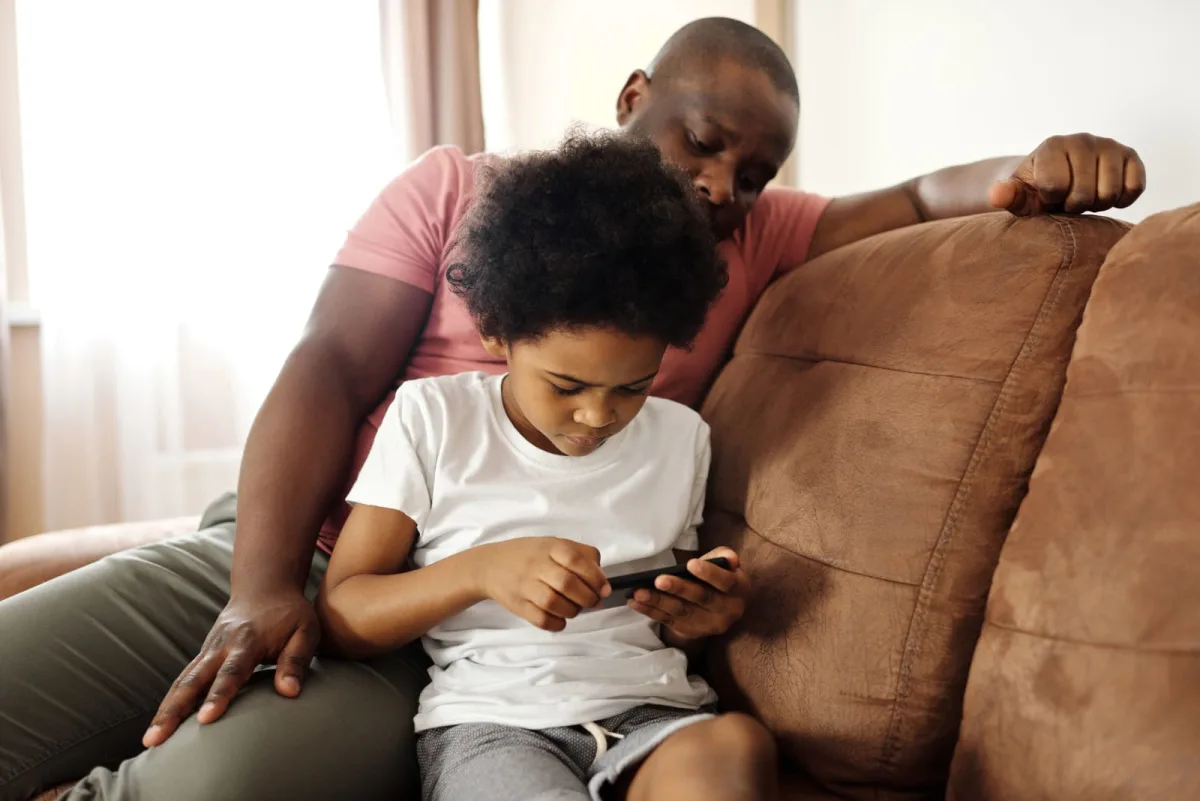
Table of contents
Your 11-year-old has asked for a phone three times this week. Half the class already has one, the bus home runs late on Tuesdays, and you want a way to reach them. You also know that the phone you hand over in December is the one they will carry into every bedroom, sleepover and group chat for the next two years.
Picking a first phone for kids is less about the device and more about the order you set things up. This guide walks through the real choices (a basic phone, a watch, or a smartphone), what each costs over two years, and the exact settings to switch on before you wrap it.
When Kids Get a First Phone, and Why the Age Is Moving
Common Sense Media puts the average age for a first phone at around 11, and notes that many children start earlier. By the teenage years, a phone is close to universal. The Pew Research Center found that about 95% of US teens aged 13 to 17 have or can use a smartphone at home.
What those teens do with it matters more than the device. In a Pew survey run in late September and early October last year, 43% of 15 to 17 year olds said they are online almost constantly. Among 13 and 14 year olds, the figure was 34%. That jump between age bands is the window most families are deciding inside.
So skip the question of whether 11 is too young. Ask a narrower one: what problem is this phone solving? Getting home from practice needs calls and location. Group projects need messaging. Neither needs a full app store on day one.
School Phone Bans Change What a First Phone Is For
A few years ago, a child's phone came to class. Now, in most of the country, it does not. Education Week's state tracker, updated in late October, counts at least 40 states plus DC that require districts to ban or restrict student phones. Some go bell to bell. Florida, Hawaii and Illinois, for example, apply bell to bell rules to grades K through 8.
That shifts the phone's job to the edges of the day: the walk to school, the ride home, the after-school club. It also means you should read your school's handbook before you buy. Some schools that ban phones also restrict smartwatches with games or messaging, so a watch is not always the loophole it looks like.
- Pouch or locker policies: the phone is sealed or stored all day, so battery life and durability matter more than the camera.
- Off and away policies: the phone stays in a bag, which means notifications need to be silenced by a schedule, not by willpower.
- No policy at all: you are the policy, so the controls further down this page do the work.
Basic Phone, Smartwatch or Smartphone: The Three Real Options
Common Sense Media groups first devices into three tiers, and each one fits a different child.
Basic phones
These handle calls and texts with no open web and no app store. They cost less, survive drops better and run for days on a charge. Common Sense Media lists the Gabb Phone, Bark Phone and Pinwheel as examples. A basic phone suits a child who needs to reach you but is not ready for social media.
Kids' smartwatches
A watch is harder to lose than a phone and usually limits contacts to a list you approve. Examples include the Verizon Gizmo Watch and an Apple Watch set up through Apple Watch For Your Kids. GPS tracking and calls cover most after-school check-ins.
A full smartphone with controls
This is what most kids actually want, and it can work if the setup is done before the box is opened. The advantage is that you will not need to buy a second device in 18 months when the basic phone stops being enough. The cost is that every limit now depends on settings, and settings can be argued with.
What a First Phone for Kids Costs Over Two Years
Here is the math most parents skip. Two years is a fair horizon, because that is how long a first phone usually lasts before a cracked screen, a lost case or an upgrade request ends it.
Option A: a new entry iPhone. Apple's store lists the iPhone 17e from $699 with 256GB of storage. Add Visible's base plan, which Visible lists at $25 a month at its standard rate. That is 24 times $25, or $600 for service. Total: about $1,299 over two years, before tax and before any case or screen protector.
Option B: your old phone, handed down. The phone costs you nothing upfront. The plan is the same $600. Total: about $600, a saving of roughly $699 against Option A.
Option B has two hidden checks. First, make sure the old phone still gets security patches, because a child's phone is a target for scam texts and fake app downloads. Our guide on whether your Android phone still gets security updates shows how to confirm it. Second, look at battery health. A battery that cannot last a school day defeats the point of the phone.
If neither old phone qualifies, a certified refurbished model sits between the two options. Our walkthrough on buying a refurbished phone without regret covers the grading and warranty traps.
Watch the monthly bill, not just the phone. Promotional prices expire. Visible currently advertises a lower holiday rate with a promo code, but the $25 standard rate is what you will pay after the offer ends, so budget on that.
Lock Down These Settings Before You Wrap It
The single best move is to set up the phone as a child account under your family group, not as a fresh adult account. Most protections only switch on for a recognised child account.
On an iPhone
Apple puts the controls under Settings, then Family, then your child's name, then Screen Time. The settings worth turning on first:
- Screen Time Schedules: sets which apps work at which times, with separate weekday and weekend routines.
- Time Allowances: a daily budget across app categories such as games and social media.
- Allowed Contacts: limits who your child can call, message or FaceTime, and Apple says a parent must approve new contacts.
- Ask to Buy and Ask to Browse: purchases and new websites need your approval. Apple turns Ask to Browse on by default for children under 13 and Limit Adult Websites on by default for anyone under 18.
- Communication Safety: Apple says it detects nudity in photos and videos, including on live FaceTime calls, and shows guidance on the device without Apple seeing the images.
On an Android phone
Google Family Link does the equivalent job. Google says it lets you set daily limits that change by day of the week, set a bedtime, approve or block apps, adjust app permissions and see the phone's location. Two details trip people up. Family Link creates accounts for children under 13 (or the local age of consent), and a supervised phone needs Android 6.0 or newer. Family Link cannot supervise an iPhone, so pick one ecosystem for the child's device and stay in it.
Write the Rules Down Before the First Argument
Settings stop the obvious problems. They do not settle whether the phone sleeps in the kitchen. A short family agreement does, and it works best when your child helps write it.
- Where the phone sleeps. A charger outside the bedroom removes the hardest fight in advance.
- What earns more freedom. Tie new apps to a clear milestone, like three months without a broken rule, so access grows in steps.
- What happens with a scary message. Promise that telling you will not cost them the phone. Kids hide problems when the phone is the punishment.
- Who pays for a broken screen. Decide it now, while nobody is upset.
Common Sense Media frames this as gradual privilege expansion: start narrow, then widen. That approach also gives you a natural review date. Put one in your calendar six months out.
Frequently Asked Questions
What is a good age for a child's first phone?
There is no single right age. Common Sense Media puts the average around 11. A better test is the job: if your child needs to call you from practice, a basic phone or watch may be enough well before they are ready for social apps.
Is a smartwatch better than a phone for a 10 year old?
Often, yes. A kids' smartwatch limits contacts to people you approve, is harder to lose, and usually has GPS for check-ins. Check your school's rules first, because some schools restrict watches that can message or play games.
How do I set up parental controls on a kid's iPhone?
Add the child to your Family Sharing group, then go to Settings, Family, your child's name and Screen Time. Turn on Screen Time Schedules, Time Allowances, Allowed Contacts, Ask to Buy and Communication Safety before you hand the phone over.
Can I use Google Family Link on an iPhone?
No. Google says Family Link cannot supervise iPhones or iPads. If your child uses an iPhone, use Apple's Screen Time controls through Family Sharing instead.
Start Small, Then Widen
The best first phone for kids is the one that does today's job and no more. For most families that means a basic phone, a watch, or a hand-me-down smartphone with every control switched on, which saves roughly $699 over two years compared with buying new. Before you pick a plan, see how phone bill fees can rise past an advertised price lock, so the $25 line stays a $25 line. Then set a six month review, and let good habits earn the next step.
Written by
Nora Whitfield
Technology & Science
Covers technology and science for Quick Trend Insights, with a focus on what new AI tools, consumer hardware and space missions actually change for the people following them.
Related Articles
View all
Phone Battery Charge Limit: Does 80% Really Help?
A phone battery charge limit of 80% slows battery wear but costs a fifth of your capacity every day. See the real numbers and who should switch it on.
Refurbished Phones: How to Buy One Without Regret
Refurbished phone demand is climbing as new prices rise. Check grades, battery health and update years so your holiday buy lasts for years, not months.
Phone Unlocking Rules: When Your Carrier Must Let Go
Phone unlocking rules changed this year. See how long Verizon, AT&T and T-Mobile can lock your Black Friday phone and what leaving early really costs you.