
Copilot+ PC: Does a Laptop NPU Matter Yet?
Is a Copilot+ PC worth paying extra for? See which Windows features need the 40 TOPS NPU, which run on any laptop, and which specs matter far more to you.
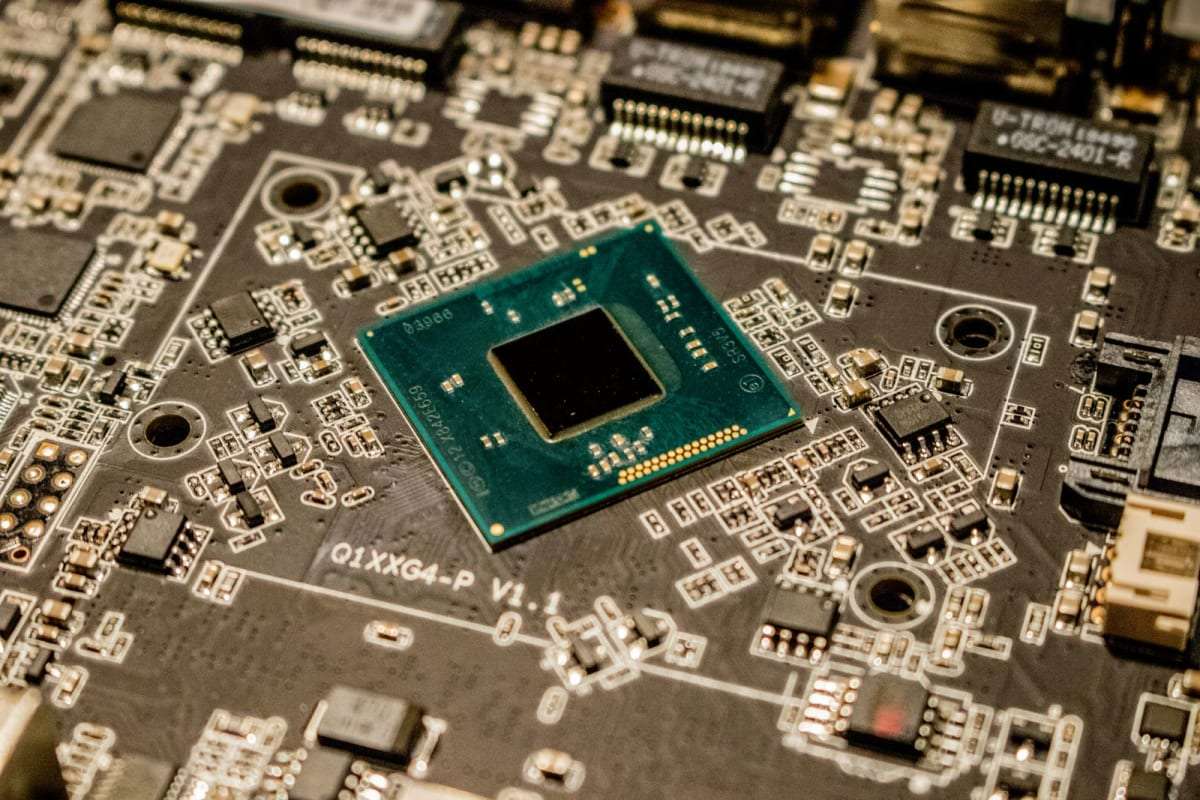
Table of contents
You have two laptops open in two browser tabs. Same screen, same 16GB of memory, same price within a hundred dollars or so. One carries a Copilot+ PC badge and a line about "40+ TOPS of AI performance." The other doesn't. The sale ends at midnight, and you have no idea whether that badge is worth paying for.
You are not alone in that. Laptop makers spent two years redesigning chips around an AI part called an NPU, and then Microsoft changed course on how much Windows depends on it. This guide sorts out what the badge actually buys you today, what it doesn't, and how to price it against the specs that matter more.
What the Copilot+ PC Badge Actually Certifies
An NPU, or neural processing unit, is a small block of the processor built for the matrix math behind machine learning models. It does that math using far less power than the main CPU or the graphics chip. That is the whole pitch: AI features that run on the laptop without draining the battery or sending your data to a server.
Microsoft's rule for the badge is a single number. Its business page says a Copilot+ PC has an NPU "capable of executing over 40 trillion operations per second (TOPS)." The same page says these machines need at least 256GB of storage, with 50GB free for Recall to work. Every example device Microsoft lists there ships with 16GB of memory.
Which chips clear the bar
When the program launched, only Qualcomm's Snapdragon X chips qualified. Now nearly every new laptop chip does. PCWorld reported in January that Intel's Core Ultra Series 3 carries a 50 TOPS NPU, AMD's Ryzen AI 400 series reaches 60 TOPS, and Qualcomm's Snapdragon X2 Elite and X2 Plus hit 80 TOPS.
So the badge has quietly gone from rare to normal. Gartner forecast that AI PCs would reach 143 million units this year, or 55% of all PC shipments. When half the shelf carries a label, the label stops telling you much.
The Features That Need the NPU, and the Ones That Don't
This is the split most buying guides blur. Microsoft's own business page draws it clearly.
Copilot+ PC only
- Recall (preview). Takes regular snapshots of your screen so you can search for "that spreadsheet with the blue chart from Tuesday." It requires Windows Hello Enhanced Sign-in Security and reserves 25GB by default on a 256GB machine.
- Click to Do. Acts on whatever is on screen, such as summarizing selected text or removing an image background. Microsoft's footnotes say some actions vary by region and language, and some need a subscription.
- Improved Windows search. Lets you describe a file or photo in plain words instead of remembering its name.
- Live Captions with translation and Windows Studio Effects, the webcam background blur, eye contact and voice focus tricks.
Every Windows 11 PC
- Basic Live Captions, without translation.
- Microsoft 365 Copilot in Word, Excel and Outlook, which runs in Microsoft's cloud.
- Basic intelligent search.
- The Copilot chat assistant itself.
Notice the pattern. The AI you will use most, chat assistants and Office helpers, runs in the cloud and works the same on a five-year-old laptop. The NPU-only list is mostly convenience features layered on top of Windows.
Why Microsoft Stopped Betting Everything on the NPU
The first version of Microsoft's AI developer tools required an NPU. App makers had little reason to build for hardware that most of their customers didn't own.
That changed. Microsoft's developer guide now steers app makers to Windows ML, which detects whatever accelerator a PC has and picks the fastest one. If the preferred NPU path fails or is missing, Microsoft says Windows ML "gracefully falls back" to the GPU or CPU. PCWorld's Chris Hoffman described the shift in January as Microsoft leaving NPUs behind just as laptop makers finished building them in.
For you, that means two things. Third-party AI apps increasingly run on any modern laptop, just slower or with more battery drain. And the gap between a 40 TOPS NPU and a 60 TOPS one is something few apps will ever show you, because so few apps use the NPU at all.
Worked Example: Pricing a $150 Copilot+ Premium
Say your two tabs show a non-Copilot laptop at $799 and a Copilot+ model at $949. Both have 16GB of memory and a 512GB SSD. Is the $150 gap worth it?
- Spread over four years, the premium costs $37.50 a year, or about 10 cents a day.
- If you would use Recall or Click to Do daily, 10 cents a day is cheap. A tool that saves you two minutes of hunting for files each workday is easily worth it.
- If you mainly use ChatGPT, Gemini or Microsoft 365 Copilot, you get zero extra from the NPU. Those run on servers.
- If the same $150 could buy 32GB of memory instead of 16GB, that upgrade will do more for the laptop's speed and lifespan than the badge.
Run your own comparison with our percentage calculator to see how big a premium really is relative to the base price. In this example it is about 19%, which is a lot to pay for a tiebreaker.
Rule of thumb: pay for the badge only when it comes free with a laptop you would buy anyway, or when one of the five NPU-only features solves a problem you have today.
What to Check Before the Badge
The memory chip shortage pushing up device prices means every dollar has to work. These specs matter more than the NPU rating.
- Memory. 16GB is the floor for a laptop you plan to keep. If you edit video or keep 40 browser tabs open, look at 32GB. Our guide to how much RAM you need in a laptop breaks it down by use.
- Storage. 256GB is the Copilot+ minimum, but Recall alone wants 25GB of it. Aim for 512GB.
- Chip family and app compatibility. Snapdragon laptops run on Arm, not the x86 design most Windows software was written for. Microsoft says the Arm app catalog keeps growing and an emulator handles many older apps, but check any must-have program, game or printer driver first.
- Battery and weight. These come from the whole design, not the NPU. Read independent battery tests, not the box claim.
- Ports and screen. The things you touch every day decide whether you like the laptop.
Privacy if you turn Recall on
Recall stores screen snapshots on your laptop. Microsoft requires Windows Hello Enhanced Sign-in Security to open them, and Recall is still labeled a preview. If you share the laptop or handle sensitive client work, decide on Recall before you decide on the hardware. A feature you will keep switched off is not worth paying for.
Frequently Asked Questions
Is a Copilot+ PC worth it?
Only if you would use Recall, Click to Do, improved search or the webcam effects regularly, or if the badge costs little extra. Cloud tools like ChatGPT and Microsoft 365 Copilot work the same on any Windows 11 laptop.
What is the difference between a Copilot+ PC and a regular Windows 11 laptop?
A Copilot+ PC has an NPU rated above 40 TOPS and at least 256GB of storage. That adds a short list of on-device features. Everything else in Windows 11, including the Copilot assistant, runs on both.
Do I need an NPU for AI apps?
Usually not. Microsoft's Windows ML falls back to the GPU or CPU when there's no NPU, and most popular AI tools run in the cloud. An NPU mainly saves battery on AI tasks that run on the laptop itself.
Is 40 TOPS enough or should I buy 80 TOPS?
40 TOPS meets Microsoft's bar for every Copilot+ feature. Higher ratings matter only for apps that use the NPU heavily, and few do today. Spend extra on memory or storage first.
Buy the Laptop, Not the Label
The Copilot+ badge certifies one part of the chip and a handful of Windows features. It says nothing about the memory, storage, battery or screen you will live with for the next four years.
Shortlist laptops on those basics first. If two finalists tie, let the NPU break it. And if a salesperson tells you a laptop without the badge "can't do AI," open ChatGPT in its browser and watch it work fine.
Written by
Nora Whitfield
Technology & Science
Covers technology and science for Quick Trend Insights, with a focus on what new AI tools, consumer hardware and space missions actually change for the people following them.
Related Articles
View all
Matter Smart Home: Will Your Gadgets Work Together?
A Matter smart home promises gadgets that work with Apple, Google and Alexa at once. Here is how it connects them, where it breaks, and what to check first.

Cheap Windows 11 Keys: Is a $10 License Legit?
Cheap Windows 11 keys sell for $10 while Microsoft charges $199.99. See where those keys come from, why some get revoked, and when the gamble is worth it.

Wi-Fi 7 Router: Is Upgrading From Wi-Fi 6 Worth It?
Is a Wi-Fi 7 router worth it? Run a 10-minute speed test, learn why dual-band models miss the big gains, and see the math on upgrading from Wi-Fi 6 or Wi-Fi 5.