
How Much RAM Do You Need in a Laptop? Test First
How much RAM do you need in a laptop? Measure your real usage, compare 8GB, 16GB and 32GB, and price the upgrade per year before memory costs make you settle.
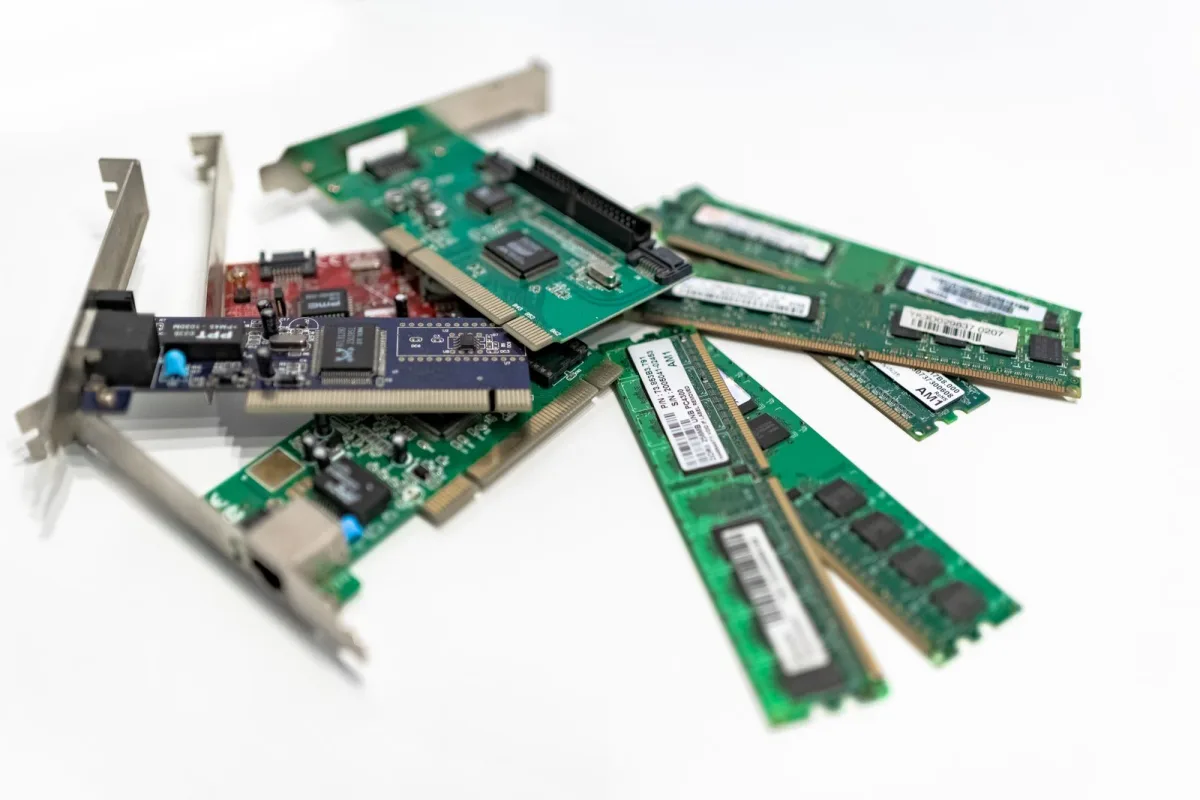
Table of contents
You have two laptops open in two browser tabs. They look identical, they cost almost the same, and one quietly ships with 8GB of memory while the other has 16GB. A year ago that choice barely existed. This holiday season it is everywhere, and how much RAM do you need in a laptop has turned from a spec-sheet footnote into the question that decides whether your new machine still feels fast in year four.
The reason is money. AI data centers are buying up the world's memory chips, so laptop makers are trimming RAM to hold their prices. This guide shows you how to measure what you actually use today, what each tier gets you, and how to price an upgrade so you are not guessing at the checkout page.
Why 8GB Laptops Are Suddenly Back on Shelves
For about two years, 16GB looked like the new normal. Apple made 16GB the minimum on its Macs, and Microsoft tied its Copilot+ PC label to the same number. Then memory prices exploded.
AI servers are eating the memory supply. The three big chipmakers, Samsung, SK Hynix and Micron, have shifted production toward the high-bandwidth memory that AI accelerators use. Gartner, in a February forecast covered by Computer Weekly and Tom's Hardware, projected combined DRAM and SSD prices rising about 130% by the end of the year, pushing average PC prices up around 17%.
Laptop makers had two choices: raise prices or cut specs. Many cut specs. Tom's Hardware counted several new 8GB models this year, including a $699 Dell XPS 13, a $699 Acer Swift Air 14, and a Surface Laptop for Business 13-inch at $1,299.99. Apple's own MacBook Neo, which starts at $699, ships with 8GB of unified memory, according to Apple's spec page. We covered the wider price effect in our explainer on how the memory chip shortage is raising device prices.
So the 8GB laptop is not only a bargain-bin product anymore. You can find it at almost any price.
What RAM Actually Does (and What Happens When You Run Out)
RAM is your laptop's short-term workspace. Every open app, browser tab and background process holds its working data there because it is far faster than your storage drive.
When the workspace fills up, the operating system does not crash. It starts juggling instead:
- Compression. macOS and Windows squeeze inactive data so more fits. This costs processor time, which you feel as small stutters.
- Swapping. The system moves data out to the SSD, then pulls it back when you switch apps. An SSD is fast, but it is still many times slower than RAM, so switching tabs or apps starts to lag.
- Reloading. Browsers discard background tabs entirely. You click back to a tab and it reloads from scratch, losing whatever you typed.
That is why a low-memory laptop feels fine in a store demo and frustrating six months later. The demo runs one app. Your real day runs twenty tabs, a video call, a chat app and a spreadsheet at once.
How to Check How Much RAM You Use Right Now
Before you pick a tier, measure your own habits on the computer you already own. This takes five minutes and beats any generic chart, including the ones in most buying guides.
On Windows
- Open everything you normally have open on a busy workday: browser tabs, Teams or Zoom, Office, music.
- Press Ctrl + Shift + Esc to open Task Manager, then pick the Performance tab and select Memory.
- Read the Committed figure, for example "14.2/23.8 GB". The first number is what your apps are actually asking for.
On a Mac
- Load your normal workload, then open Activity Monitor and click the Memory tab.
- Look at the Memory Pressure graph at the bottom. Apple's support guide says it reflects free memory, swap rate, wired memory and cached files together.
- Green means you have room. Yellow means the Mac is compressing heavily. Red means it is swapping and you need more memory.
Then add headroom. Apps and websites get heavier every year, and the operating system grows with each update. If your busy-day number is 11GB today, buy for 16GB at minimum. If it is already 15GB, a 16GB laptop will feel tight within a year or two.
How Much RAM Do You Need in a Laptop? 8GB vs 16GB vs 32GB
Use your measurement first. If you cannot measure, use these profiles as a starting point.
8GB: one task at a time, short ownership
A Chromebook, or a laptop for a child who mostly uses a browser and a few documents, can live on 8GB. Microsoft's minimum for Windows 11 itself is just 4GB, so the system will boot and run. It will not enjoy heavy multitasking. On a Mac, 8GB handles light work better than on Windows, but reviewers still report swapping once you pile on tabs and apps.
16GB: the default for most buyers
This is the tier for office work, school, browsing with dozens of tabs, photo editing and casual gaming. It is also the line for Windows AI features: Microsoft states that devices with fewer than 16GB of RAM are not Copilot+ PCs, even when they have a capable neural processor. Apple's current MacBook Air starts at 16GB as well, with 24GB and 32GB options.
32GB: heavy creative and technical work
Video editing, large spreadsheets with live data, software development with containers, and running AI models locally all chew through memory. Gamers sit in between: 16GB runs most games, but the most demanding new titles and heavy mods push past it. If any of this is your daily work, 32GB is not a luxury. It is the difference between a machine that lasts five years and one that lasts three. If a pro Mac is on your list, our look at whether the M6 MacBook Pro is worth the upgrade covers the memory options at that end of the range.
Quick rule: buy the tier one step above your busy-day usage today. Memory needs only go up over a laptop's life.
Soldered RAM Means You Cannot Fix It Later
Older laptops had memory slots. You could buy the cheap configuration and add a stick in two years. That option is mostly gone.
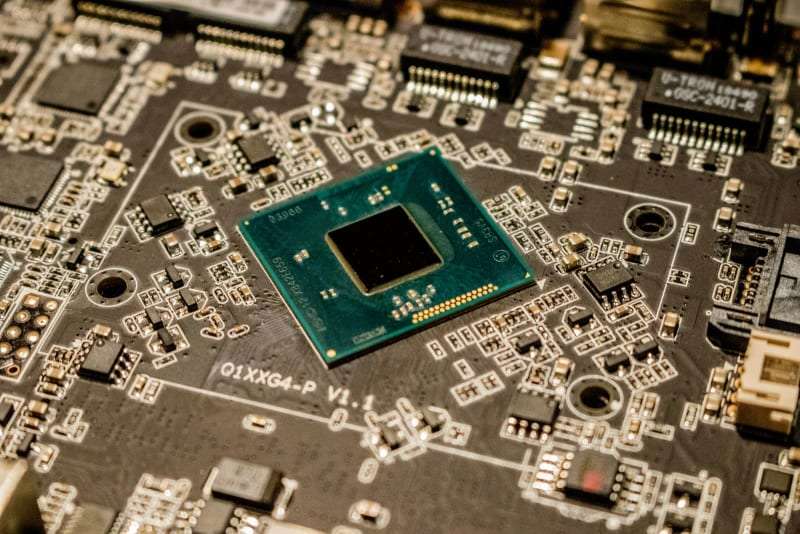
Thin laptops, nearly every MacBook and most Windows ultrabooks now use memory soldered directly to the motherboard. Apple's unified memory sits inside the chip package itself. Whatever amount you pick at checkout is permanent. If you choose wrong, the only fix is a new laptop.
Some gaming and business laptops still include an empty slot. Check the spec sheet for phrases like "SO-DIMM slot" or "expandable to." If a laptop has a free slot, buying 8GB now and adding more later can make sense, although upgrade kits are also expensive right now, so the savings may be smaller than you expect.
The Worked Example: Is a $200 Memory Upgrade Worth It?
Here is the math most buying guides skip. Say you are choosing between two configurations of the same laptop:
- Model A: 8GB of RAM for $799
- Model B: 16GB of RAM for $999
The upgrade costs $200. Now spread it over how long you will keep the machine.
- Kept 3 years: $200 / 3 = about $67 a year, or $5.56 a month.
- Kept 5 years: $200 / 5 = $40 a year, or $3.33 a month.
Now picture the downside. Suppose the 8GB model starts to feel slow in year three and you replace it then. You have spent $799 for three years of use, or about $266 a year. The 16GB model, kept five years, costs $999 / 5, or about $200 a year. The more expensive laptop ends up roughly $66 a year cheaper because it lasts longer.
Gartner also expects people to stretch their device lifetimes as prices rise, which makes buying enough memory up front even more important. If you plan to pay in installments, our loan EMI calculator shows what the extra $200 adds to each monthly payment.
Run your own numbers the same way. If the gap between tiers is $300 or more, check whether a different brand offers 16GB at a lower price before you settle for 8GB.
How to Shop Holiday Laptop Deals Without Getting Shortchanged
Discounts this time of year often land on the lowest configuration, which is exactly where makers trimmed memory. A few habits help:
- Read the RAM line first, price second. A $150 discount on an 8GB model may still lose to a full-price 16GB model.
- Compare model numbers, not names. The same laptop name often covers three or four configurations.
- Watch for 12GB. Some mid-range Windows laptops use 12GB as a compromise. It is better than 8GB, but uneven memory setups can run slightly slower than a matched pair.
- Check the slot question. If the RAM is soldered, treat the day-one amount as final.
- Factor in the operating system's plans. If you are replacing an older PC, our guide on Windows 10 extended security updates explains how long your current machine can stay safe while you wait for a better deal.
Related reading: Copilot+ PC: Does a Laptop NPU Matter Yet?.
Frequently Asked Questions
Is 8GB of RAM enough for a laptop?
It is enough for web browsing, email and simple documents, especially on a Chromebook or a Mac. It is tight for Windows multitasking, video calls with many tabs open, or anything you plan to keep more than three years. If the RAM is soldered, lean toward 16GB.
Is 16GB or 32GB better for a laptop?
16GB covers most office, school and home use. Choose 32GB if you edit video, write software, run AI models locally, or play the most demanding new games with mods.
How do I check how much RAM my laptop has?
On Windows, open Task Manager, go to Performance, then Memory, and read the total in the top right. On a Mac, open the Apple menu and choose About This Mac. Both also show how much memory you are using right now.
Can I add more RAM to my laptop later?
Only if it has an open memory slot. Most thin laptops and all current MacBooks use soldered memory that cannot be changed, so check the spec sheet before you buy.
Buy for the Laptop You Will Have in Year Four
Memory is the one spec you usually cannot fix after checkout, and right now it is also the spec makers are most tempted to cut. Measure your busy-day usage, add a step of headroom, and price the upgrade per year of ownership instead of as a lump sum.
For most people that lands on 16GB. For heavy creative or technical work it lands on 32GB. Either way, you make the choice with numbers instead of a sales banner.
Written by
Nora Whitfield
Technology & Science
Covers technology and science for Quick Trend Insights, with a focus on what new AI tools, consumer hardware and space missions actually change for the people following them.
Related Articles
View all
Matter Smart Home: Will Your Gadgets Work Together?
A Matter smart home promises gadgets that work with Apple, Google and Alexa at once. Here is how it connects them, where it breaks, and what to check first.
Copilot+ PC: Does a Laptop NPU Matter Yet?
Is a Copilot+ PC worth paying extra for? See which Windows features need the 40 TOPS NPU, which run on any laptop, and which specs matter far more to you.

Cheap Windows 11 Keys: Is a $10 License Legit?
Cheap Windows 11 keys sell for $10 while Microsoft charges $199.99. See where those keys come from, why some get revoked, and when the gamble is worth it.