
Android Sideloading Rules: What Changes for Your Phone
Android sideloading rules go global from January. See who is affected, how the 24-hour advanced flow works, the ADB exception, and what to set up first.
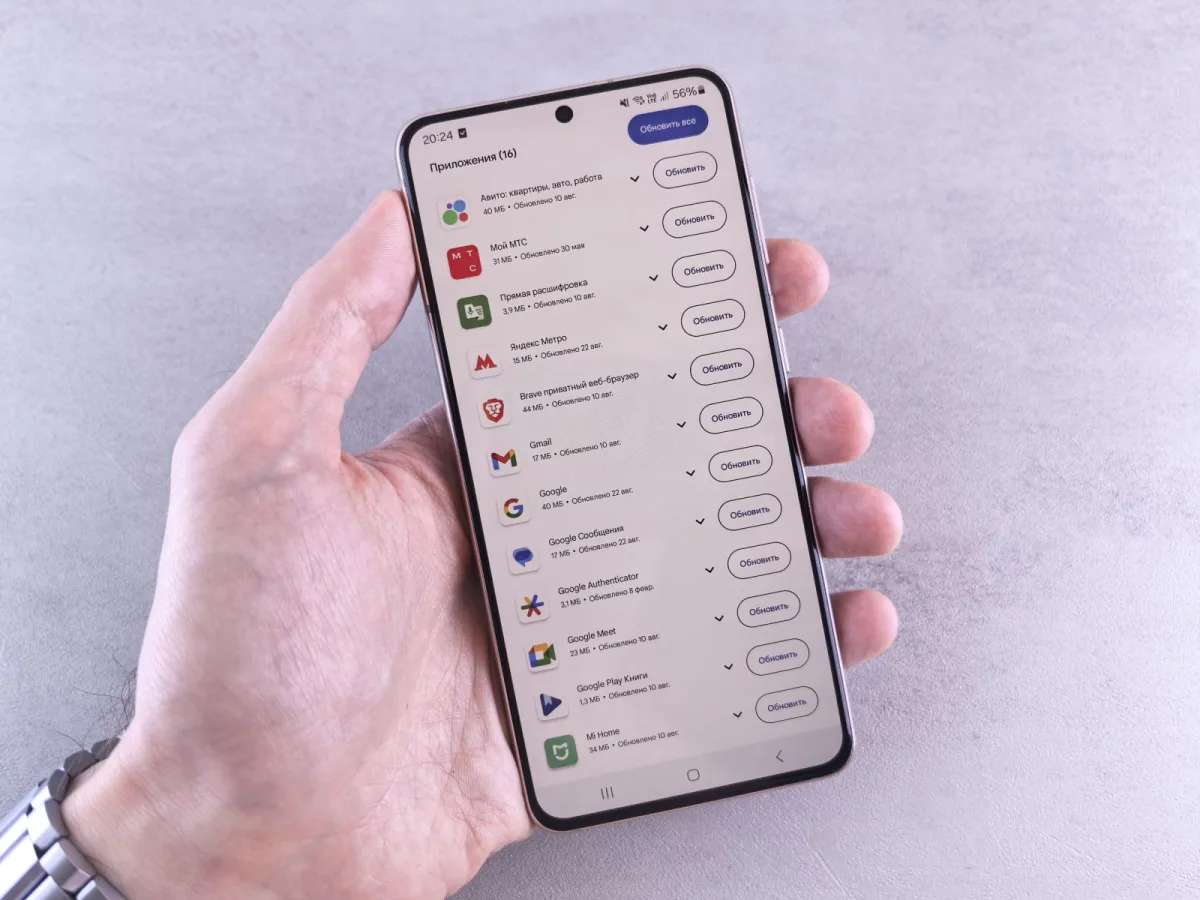
Table of contents
You find a small open-source app that does exactly one thing well. Maybe it blocks ads in a podcast player, or controls an old smart bulb nobody supports anymore. You download the file, tap install, and for years that was the end of it. Starting in January, the Android sideloading rules change, and that tap may lead to a 24-hour wait instead.
Google confirmed on November 19 that its developer verification system will begin a worldwide rollout in January, according to Android Authority and TechRepublic. It already runs in four countries. If you only install apps from the Play Store, almost nothing changes for you. If you install anything else, you need to know how the new flow works before you need it.
What the Android Sideloading Rules Actually Require
The rule is aimed at developers, not at you. Every app installed on a certified Android device must come from a registered, verified developer. Google's developer guide says this applies "regardless of your app's download source," which is the part that makes it news. Play Store apps already went through identity checks. Apps from websites, GitHub pages and alternative stores mostly did not.
A developer verifies in three steps, per Google's guide. They create an account in the Android Developer Console (or use their Play Console account). They prove their identity with documents. Then they register each app's package name and signing key, which links the app to a real person or company.
"Certified" matters here. It covers phones that ship with Google's apps and the Play Store, which includes the phones from the big brands that ship with Google apps preinstalled. Devices without Google certification are outside the system.
Why Google Says It Needs This
Google's stated reason is malware. In its original August announcement, Google said its analysis found over 50 times more malware from internet-sideloaded sources than from apps on Google Play. That figure is Google's own, and it supports Google's argument, so treat it as a company claim rather than an independent measurement.
The mechanism Google describes is accountability. A scammer who gets banned today can repackage the same app under a new name tomorrow. If every app ties back to a verified identity, a banned developer cannot simply reappear.
That second point targets a specific scam. A caller pretending to be your bank tells you to install a "security app" right now, while they stay on the line. A one-day delay breaks that pressure. You hang up, think, and maybe call your real bank.
The Rollout Timeline So Far
This did not appear overnight. Google has moved in public steps, and each date below comes from Google's developer pages or its blog:
- August of last year: Google announced the requirement.
- March: verification opened to all developers.
- August: limited distribution accounts and the advanced flow for users began rolling out globally.
- September 30: enforcement began in Brazil, Indonesia, Singapore and Thailand.
- January: the worldwide rollout begins, per Google's November 19 update as reported by Android Authority and TechRepublic.
January is a start date, not a single switch. Coverage of the announcement says the rollout begins with seven app distributors (Google Play, Samsung's Galaxy Store, Honor, Oppo, Xiaomi, Transsion and Vivo) and then expands over several months. Google has not published a date for any individual country, including the US or India.
What You Will See When You Sideload an App
For an app from a verified developer, nothing changes. You can still download it from the developer's website or any store and install it the usual way. The verification check happens in the background.
For an app from an unverified developer, Android blocks the normal install. To get past it you use what Google calls the advanced flow. Based on Google's documentation and reports from GSMArena and Android Authority, it works like this:
- Open Settings, find the build number, and tap it seven times to turn on Developer options.
- In Developer options, turn on the setting for unverified packages.
- Confirm with your PIN or password, and confirm nobody is pressuring you to do this.
- Restart the phone.
- Wait 24 hours. After that, unverified installs are allowed.
Google has said this is a one-time setup, not a wait per app.
A worked example of the wait
Say you want to install an unverified file-sync app on Friday at 8 p.m. You flip the setting, restart, and the phone tells you to come back. The earliest you can install is Saturday at 8 p.m. Any unverified app after that installs without a new wait, as long as you leave the setting on.
Now compare a family of four who only use the Play Store. Their total added wait is zero hours, because every app they use is already registered. Google says 99% of Play apps were registered automatically before the September deadline.
Who Will Actually Feel the Change
Most people will not notice anything. The groups who will are smaller and easy to name.
- Open-source app users. Apps distributed through independent catalogs often come from solo developers who may not want to hand over ID documents. Unless those developers verify, their apps fall under the advanced flow.
- People who install modified apps. Patched versions of popular apps are, by design, signed by someone other than the original developer. Expect them to need the advanced flow.
- Hobbyists and students. Google created a free limited distribution account that lets a developer share an app with up to 20 devices without an ID check, which covers a homework project or a family tool.
- Work phones. Google's FAQ says apps installed through an organization's managed store do not need verification, so company-managed app rollouts are not affected.
If you already worry about what lands on your phone, the bigger risk is often what ships on it. Our guide to checking a cheap Android device for preinstalled malware covers that side of the problem.
The ADB Exception and Other Escape Hatches
There is one route that skips the wait entirely. Installing an app over ADB from a computer is not subject to the advanced flow, according to Google's guide and coverage from GSMArena and The Hacker News. ADB is the Android Debug Bridge, a developer tool that sends commands from a PC to a phone over USB.
That exemption is deliberate. Developers need to test unregistered builds dozens of times a day. It also makes sense from a scam point of view. A fraudster on the phone can talk a victim through tapping a link. Talking them through installing ADB on a computer is far harder.
Two practical notes. First, the advanced flow settings reportedly carry over when you move to a new phone through a normal device transfer, per Heise. Second, devices that are not Google certified are outside the system altogether, though buying one just to avoid a 24-hour wait trades a small hassle for a bigger security gap.
What to Do Before It Reaches Your Phone
You can prepare in about ten minutes. Here is a short checklist:
- List your sideloaded apps. On most phones, Settings shows the installer for each app. Anything not from the Play Store or your phone maker's store is worth noting.
- Check the developer's status. Many independent developers have posted whether they plan to verify. If yours has, nothing changes.
- Decide on the advanced flow early. If you rely on an unverified app, turn on the setting before you need an urgent install, so the 24 hours have already passed.
- Keep your phone updated. Verification relies on a system service delivered through Google's updates. Our explainer on how long Android phones get security updates shows how to check where your model stands.
The rules also feed into a wider fight over who controls app distribution. Apple faces the opposite pressure, being pushed to allow outside stores, which we covered in whether rival iPhone app stores will make apps cheaper. The two platforms are moving toward a similar middle: outside apps allowed, but behind a check.
Related reading: Phone Update Bugs: When to Wait and How to Recover and Switch From iPhone to Android: What Moves, What Doesn't.
Frequently Asked Questions
Is Google banning sideloading on Android?
No. Google says verified developers can still distribute apps from any website or store, and those apps install normally. Apps from unverified developers can still be installed through the advanced flow or over ADB. What ends is anonymous, instant sideloading of unregistered apps.
When do the new Android sideloading rules start in the US?
Google has not given a US date. The worldwide rollout begins in January with seven app distributors and expands over several months, according to coverage of Google's November 19 update. Check your phone's Developer options for the unverified packages setting as a sign it has arrived.
Do I have to wait 24 hours for every sideloaded app?
No. The 24-hour wait applies once, when you first enable unverified installs. After that, unverified apps install without another wait while the setting stays on. Apps from verified developers never trigger the wait at all.
Will apps I already installed stop working?
Google's documentation describes the block as applying to new installs on certified devices. Reports have not described existing apps being removed. Updates to an unverified app are a separate question, so check with the developer if you depend on one.
A 24-Hour Pause Is the Real Change
For most Android owners, January brings no visible change at all. For the minority who sideload, the new rules add one deliberate pause and one setting to remember. Set it up on a quiet day, not in the middle of a phone call from someone asking you to install something fast. That situation is exactly what the 24-hour wait was designed to stop.
Written by
Nora Whitfield
Technology & Science
Covers technology and science for Quick Trend Insights, with a focus on what new AI tools, consumer hardware and space missions actually change for the people following them.
Related Articles
View all
Switch From iPhone to Android: What Moves, What Doesn't
Planning to switch from iPhone to Android? What Apple and Google's transfer tools move, what stays behind, and the iMessage step that stops lost texts.

Stop Robocalls: What Actually Blocks Them Now
Stop robocalls by stacking the layers that work: the Do Not Call list, free carrier filters, and iPhone or Android call screening. Costs, settings and limits.
Phone Update Bugs: When to Wait and How to Recover
Phone update bugs like November's Pixel camera failure show why timing matters. When to install, how to fix a broken update, and why rollback rarely works.