
Phone Update Bugs: When to Wait and How to Recover
Phone update bugs like November's Pixel camera failure show why timing matters. When to install, how to fix a broken update, and why rollback rarely works.
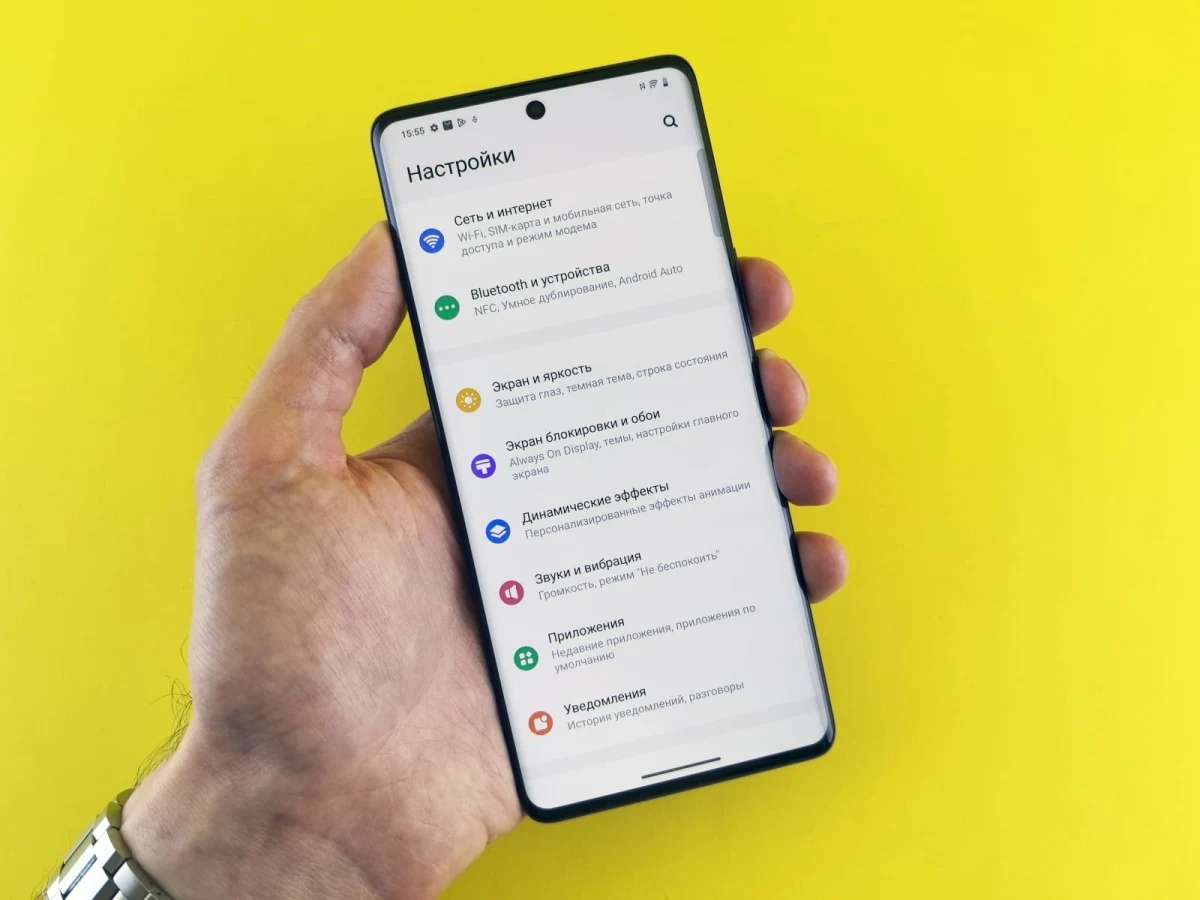
Table of contents
You install the monthly update before bed. In the morning you open the camera to snap your kid's school photo, and the screen is black. That happened to a wave of Pixel 10 and Pixel 11 owners after Google's November update. Phone update bugs are rare per release but common over the life of a phone, and how you handle the first few days after an update decides how much they cost you.
Waiting forever is not the answer. The same November release patched 216 security flaws. This guide shows how to decide when to install, what to do if an update breaks something, and why rolling back is rarely the fix people hope for.
What the November Phone Update Bugs Looked Like
The November release made a clean case study. Google began rolling it out on November 10 alongside Android 17 QPR2. Within days, Android Authority, PhoneArena and Talk Android all reported the same pattern.
- Symptom: the camera opened to a black viewfinder or a "Something went wrong" error. Front and rear cameras were both affected, and third-party camera apps failed too.
- Phones: mostly Pixel 10 and Pixel 11 models, with scattered reports from Pixel 8 and Pixel 10a owners.
- What did not help: clearing the camera app's cache, removing app updates, Safe Mode, and in several reports even a factory reset.
- What helped some people: powering the phone fully off for about five minutes, then turning it back on. Experts on Google's support forum suggested it.
Google contacted some affected users but had not announced a cause or a fix in the reports we reviewed. Other complaints from the same update covered Wi-Fi in enterprise settings and lock screen glitches. Earlier Android 17 builds drew reports of lost 5G connections and touchscreen problems on some Pixels, according to PhoneArena.
Why Bugs Ship in the First Place
A phone maker tests an update on its own lab devices and a beta group. Your phone is different. It has years of saved data, dozens of apps, a specific carrier and an accessory or two. Most update bugs come from combinations nobody tested, which is why they hit some owners of a model and not others.
That also explains why the first week matters. Phone makers roll updates out in stages. If early reports pile up, they can pause the rollout or push a fix before it reaches everyone. Installing on day one makes you part of that early group whether you meant to be or not.
How to Decide: Install Now or Wait a Week?
The right answer depends on what the update fixes. Every Android security bulletin says whether Google knows of active attacks. Apple's security notes say the same with wording like "may have been exploited." Read that line before you decide.
A worked example with November's numbers
Google's November bulletin covered 216 vulnerabilities across two patch levels: 119 in the November 1 level and 97 in the November 5 level, according to the bulletin and SecurityWeek. Coverage counted the worst as a critical flaw that could allow remote code execution with no user interaction. But Google listed none of the 216 as exploited, and none appeared in the US government's Known Exploited Vulnerabilities catalog in early November checks.
So for that month, a sensible plan looked like this. Wait five to seven days, check whether owners of your model are reporting problems, then install. The risk of waiting a week on unexploited flaws was small. The risk of a broken camera during a family event was real.
Flip one fact and the answer flips. If the bulletin had flagged a flaw under "limited, targeted exploitation," attackers would already be using it. Then you install the same day and accept the bug risk. The same logic applies to iPhone fixes, like the one in our guide to the iPhone security update for the iMessage group chat leak.
Before You Tap Install
A few habits make any update safer, and they take less time than fixing a broken phone:
- Back up first. Use iCloud or Google's backup, and check the date of the last backup in settings.
- Charge above 50% and stay on Wi-Fi. An update that stops halfway is one of the few ways to brick a phone.
- Free some space. Updates need room to unpack, and a nearly full phone can fail the install.
- Skim your model's forum or a quick news search for "update problems" plus your phone's name. Two minutes is enough.
- Avoid installing before an event where your phone has to work, like a trip, a wedding or an exam day.
If your phone has stopped getting monthly updates entirely, none of this applies, and the bigger risk is the lack of updates. Our guide to checking whether your Android phone still gets security updates shows how to look that up.
If an Update Breaks Something
Work through these in order, from least to most disruptive. Stop as soon as the problem clears.
- Restart normally. Many post-update glitches are caches that rebuild on the next boot.
- Power off fully and wait. The November Pixel camera fix was exactly this: off for about five minutes, then on.
- Update the affected app. Phone makers often fix app-side bugs through the app store faster than through a system update.
- Check for a follow-up patch. Phone makers often push a small fix within days or weeks of a bad release.
- Report it. Use the phone's feedback tool or the official support forum. Reports are how problems get noticed and fixed.
- Factory reset only as a last step, after a full backup. In November it did not fix the camera for many owners and wiped their data anyway.
Why Rolling Back Usually Isn't an Option
People often ask how to go back to the old version. On most phones, you mostly can't, and the reasons are deliberate.
iPhone
An iPhone checks with Apple's servers before installing any iOS version. Apple "signs" only a short list of current versions. Apple typically stops signing an older version within a couple of weeks of a release, according to 9to5Mac's tracking. In September, for example, it closed the door on downgrading from iOS 27 back to iOS 26. After that point, no official downgrade exists, and the only fix for a bad update is the next update.
Pixel and other Android phones
Google publishes factory images for Pixels, but its own page carries warnings. Installing one erases all data. Some updates also increment an anti-rollback counter in the bootloader. Google's page says that after the Pixel 10 series' May update, "you won't be able to flash and boot older Android 16 builds." Other Android brands set their own rules, and none of the big ones offers regular owners a simple undo button.
The security logic is sound. If a phone could always go back, an attacker could push it back to a version with a known hole. The cost is that your real protection against a bad update is the waiting period before you install, not an undo button after.
Frequently Asked Questions
Should I update my phone right away?
Install the same day when the release notes say a flaw is being actively exploited. Otherwise, waiting five to seven days lets early bug reports surface while keeping the security gap short.
Can I undo a software update on my iPhone?
Only while Apple still signs the previous version, which is usually a week or two. After that, you have to wait for the next update to fix the problem.
Why is my Pixel camera not working after the update?
Some Pixel 10 and Pixel 11 owners saw a black camera screen after the November update. Powering the phone off for about five minutes fixed it for some owners. Check for a newer patch from Google if it persists.
Will a factory reset fix phone update bugs?
Sometimes, but not reliably. In the November Pixel camera case, several owners reset their phones and the bug remained. Back up first and try every other step before you reset.
A Week of Patience Beats a Bad Morning
Updates fix far more than they break, and skipping them is the bigger long-term risk. The smart move is timing. Read whether a flaw is being exploited, wait a few days when it is not, back up before you tap install, and know the five-minute power-off trick. If you are weighing whether your current phone is worth keeping at all, our guide on whether to upgrade your phone right now covers that decision.
Written by
Nora Whitfield
Technology & Science
Covers technology and science for Quick Trend Insights, with a focus on what new AI tools, consumer hardware and space missions actually change for the people following them.
Related Articles
View all
Switch From iPhone to Android: What Moves, What Doesn't
Planning to switch from iPhone to Android? What Apple and Google's transfer tools move, what stays behind, and the iMessage step that stops lost texts.
Stop Robocalls: What Actually Blocks Them Now
Stop robocalls by stacking the layers that work: the Do Not Call list, free carrier filters, and iPhone or Android call screening. Costs, settings and limits.
Android Sideloading Rules: What Changes for Your Phone
Android sideloading rules go global from January. See who is affected, how the 24-hour advanced flow works, the ADB exception, and what to set up first.