
Cyber Trust Mark: Why Smart Gifts Don't Carry It Yet
The Cyber Trust Mark still isn't on any smart gadget box. Here is what the FCC proposed in October and how to check a device's security support before you buy.
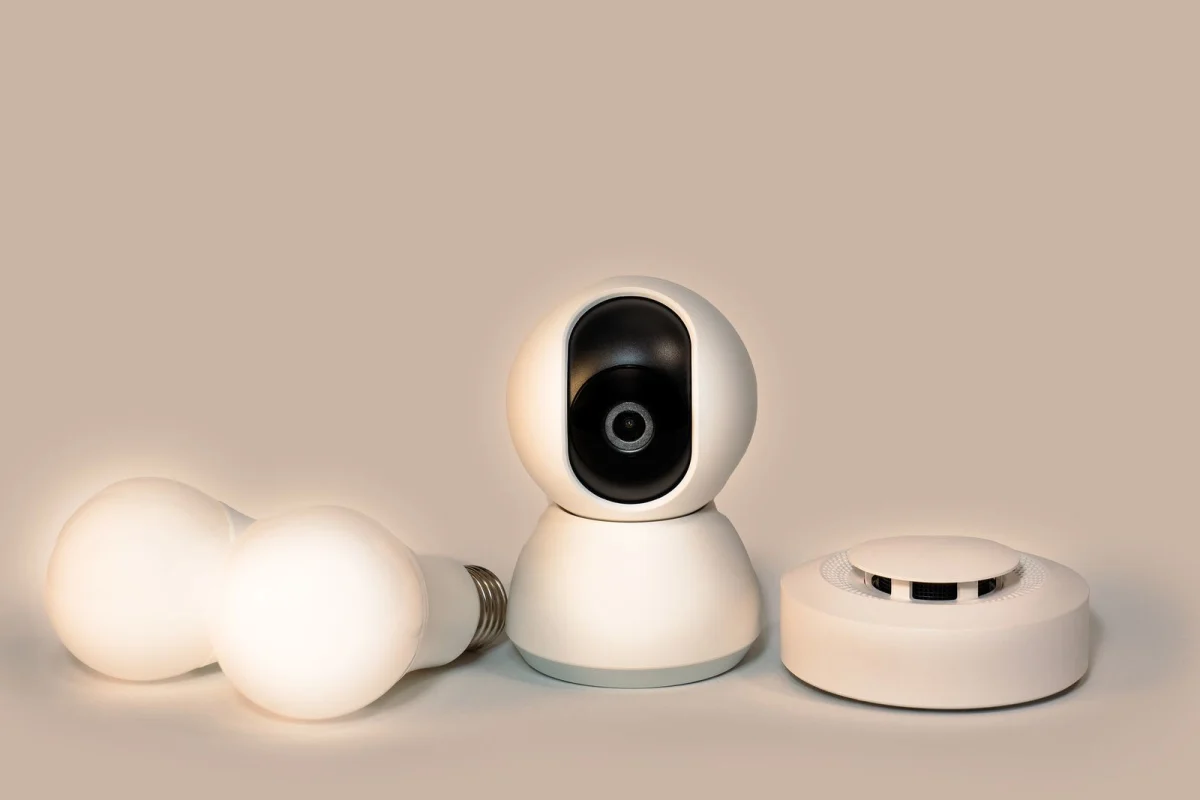
Table of contents
You are standing in an electronics aisle holding two baby monitors. One costs $59, the other $129, and both boxes promise "secure" video. You look for the Cyber Trust Mark, the government shield you vaguely remember reading would tell you which smart gadgets are safe to plug in. Neither box has it. Neither does anything else on the shelf.
That is not a coincidence or a bad store. The label was announced with fanfare in January 2025, and shoppers were told to expect it that year. It still has not reached a single box. Meanwhile you are about to put a camera, a microphone, or a door lock on your home network for the next five years.
This guide explains where the Cyber Trust Mark actually stands, what the Federal Communications Commission proposed in late October, and how to run the same checks the label is meant to run, yourself, in about ten minutes per gadget.
Why the Cyber Trust Mark Is Missing From Store Shelves
The program had a fast start and a slow middle. The FCC adopted its rules in a unanimous vote, and the White House launched the shield logo in January 2025. At the time, then White House cyber official Anne Neuberger said labeled products should be on shelves that year, a deadline that came and went, according to Nextgov/FCW.
The delay has a specific cause. The program needs a lead administrator to run certification. Nextgov/FCW reports that UL Solutions originally held that role and withdrew after an FCC national security review of its alleged ties to China, and that the FCC picked the ioXt Alliance as the replacement in April.
Here is what still has to happen before you see the shield on a box:
- Final technical requirements. The FCC says it will seek comment on testing standards "in the coming months."
- Lab accreditation. Testing labs must be approved before they can certify anything.
- Manufacturer testing. Each product then goes through an accredited lab, at the maker's own choice and cost.
On October 28, FCC Commissioner Olivia Trusty, who now leads the rollout, told a Consumer Technology Association event she hopes consumers see labeled products "within the next year." For every gadget you buy right now, you are the certification lab.
What the FCC Proposed in October
On October 27 the FCC released a public notice covering three things a shopper will eventually care about: what the label looks like, how long certification lasts, and what happens when a certified product turns out to be weak. The law firm Cooley summarized the proposals in November.
A three-year renewal clock
Manufacturers would have to renew certification every three years. Industry groups had pushed for five. The FCC's reasoning was that threats change faster than a five-year cycle can track. Renewal applications would be due at least 90 days before expiry, and the label administrators would get 90 days to finish their review.
A "cyber nutrition label" behind the QR code
The physical label would pair the shield with a QR code. Scanning it would open a page showing the product's security features, its support period, and whether it has camera, audio or location tracking capabilities. That page would be offered in English and Spanish and built to work with screen readers.
Spot checks after the sale
This is the part with teeth. Administrators would sample products off the market and test them in independent labs, not the manufacturer's own. After a major cyber event hitting consumer devices, the FCC could order a fresh evaluation. A product that fails could lose the right to show the mark, and the maker would have to strip it from packaging and ads.
Comments on these proposals are due 30 days after the notice appears in the Federal Register, so none of this is final yet.
What the Label Will Test, and How to Check It Yourself
The Cyber Trust Mark is built on a document most shoppers will never read: NIST's consumer IoT cybersecurity baseline, published in September 2022 as NIST IR 8425. It lists six technical capabilities a connected device should have, plus four things the maker should do around it.
You cannot run a lab test in a store. You can, however, check most of what the baseline asks for using the product page, the manual, and a quick search. Treat these as the label's questions, answered by you.
- Software Update. Does the maker publish how long the device will get security patches? Look for a specific end date or number of years, not "regular updates."
- Interface Access Control. Does setup force you to create your own password, or does the device ship with one printed on a sticker that every unit shares?
- Data Protection. Is video or audio encrypted in transit and in storage? Can you delete recordings, and does the app say where they are kept?
- Product Configuration. Can you turn off features you do not use, such as remote access or cloud uploads, and reset the device to factory settings?
- Asset Identification. Does the app show the exact model and firmware version, so you can match it against a security notice later?
- Cybersecurity State Awareness. Does the device or app tell you when something has changed, such as a new login or a failed update?
The four non-technical items in the baseline are documentation, a way to receive vulnerability reports, a way to tell customers about problems, and customer education. In practice you can test the middle two in one step: search the maker's site for "security" or "vulnerability disclosure." A company with a published reporting page and a security advisories archive is one that expects to fix things. A company with neither is telling you something too.
The Number That Matters Most: Support Period
Every other protection depends on patches. A device with excellent encryption becomes a liability the day its maker stops fixing newly found holes, and you have no way to patch it yourself. We covered what happens next in our guide to what owners can do when a smart home device loses support.
The United Kingdom already forces this number into the open. Its product security regime, in effect since April 29, 2024, requires makers of connected consumer products to publish a minimum security update period with an end date, in plain language. It also bans shared default passwords and requires a way to report security problems. Many brands sold in the U.S. also sell in the UK, so their UK product pages or compliance statements often carry the support date their U.S. pages leave out.
Worked example: cost per protected year
Go back to the two baby monitors. Say the cheaper one lists two years of security updates and the pricier one lists five.
- $59 monitor, 2 years of patches: $59 divided by 2 is $29.50 per protected year.
- $129 monitor, 5 years of patches: $129 divided by 5 is $25.80 per protected year.
The expensive monitor is cheaper on the measure that matters. And if you plan to use the monitor for three years across two children, the cheap one spends its final year on your network with no fixes at all. If a maker will not state a support period anywhere, assume the shortest plausible one and price it that way.
Which Gifts Need the Closest Look
The FCC's own examples of products the program targets include home security cameras, baby monitors, smart appliances, fitness trackers, garage door openers and voice-activated shopping devices. The program leaves out medical devices regulated by the FDA, cars, and wired gear. Not every gadget carries the same stakes, though.
- Highest stakes: anything with a camera or microphone. Baby monitors, indoor cameras, video doorbells and smart speakers. A breach here is a window into your home.
- High stakes: anything that controls access. Smart locks and garage door openers. A flaw becomes a physical security problem.
- Network gear: your router. Every other device sits behind it. Our piece on whether to replace a router facing a U.S. ban walks through how to judge one.
- Lower stakes: plugs, bulbs and sensors. They still need updates, because a hijacked plug can be recruited into a botnet, but they rarely see or hear anything.
Televisions sit in their own category. They are less a security risk than a privacy one, and the settings that matter there are covered in how your smart TV tracks what you watch.
Ten Minutes of Setup That Beats Any Label
FCC staff made a point worth repeating: certification will not remove the need to set a device up securely. Renee Roland of the FCC's Public Safety and Homeland Security Bureau said as much in October. A labeled camera with a reused password is still an easy camera to break into.
When you unbox anything connected, do these in order:
- Update the firmware first, before you add the device to your main routines.
- Set a unique password for the device's account and turn on two-factor sign-in in its app.
- Turn on automatic updates if the app offers them.
- Switch off what you will not use: remote viewing, cloud backup, voice purchasing.
- Put it on a guest network if your router supports one, so a compromised gadget cannot reach your laptop.
- Write down the support end date in your calendar, so you know when to replace it rather than finding out after a breach.
None of these need technical skill.
Frequently Asked Questions
Is the Cyber Trust Mark on any products yet?
No. The FCC still has to finalize technical requirements, accredit testing labs and certify products. In October, Commissioner Olivia Trusty said she hopes labeled products reach shoppers within the next year, with no firm date.
Does the Cyber Trust Mark mean a device cannot be hacked?
No. It means the product met a baseline when tested and that the maker committed to things like security updates. FCC staff have said the label cannot guarantee a device will never face a threat, and setup still matters.
How do I find out how long a smart device gets security updates?
Check the product page, the manual and the maker's support site for a stated update period or end date. If the brand sells in the UK, its UK compliance statement often lists one, because UK law has required it since April 2024.
Is the Cyber Trust Mark mandatory?
No. The program is voluntary. Makers choose whether to submit a product for testing, so a missing label, even after launch, will not prove a device is unsafe.
Buy for the Support Date, Not the Shield
The Cyber Trust Mark will eventually give you a fast shortcut, and the October proposals make it more meaningful than the 2025 version: renewals every three years, independent spot checks, and a QR page that names the support period. But it is not here, and the gadgets you buy now will outlive the wait.
So do the label's job yourself. Find the update period, price the device per protected year, and spend ten minutes on setup. A camera that shows you its support end date is already giving you the most important line the label will ever print.
Written by
Nora Whitfield
Technology & Science
Covers technology and science for Quick Trend Insights, with a focus on what new AI tools, consumer hardware and space missions actually change for the people following them.
Related Articles
View all
Microsoft 365 Outage: How One Bug Took Down Outlook
The Microsoft 365 outage knocked out Outlook and Teams for nearly a day. Here is how a July bug cascaded, and how a business can claim its uptime credit.

Data Breach Notice: What to Do Based on What Leaked
Got a data breach notice? What you should do depends on what leaked. Here is a tier-by-tier plan, from email-only leaks to exposed Social Security numbers.
Windows 10 Extended Security Updates: Your Free Extra Year
Windows 10 extended security updates now run to October 12, 2027. See what the free extra year covers, how to enroll, and how to plan your PC upgrade.